

Draw Your Way to Victory in Max and the Magic Marker
Overview
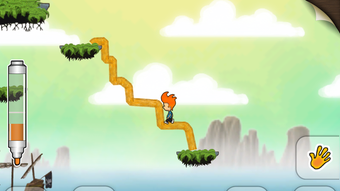
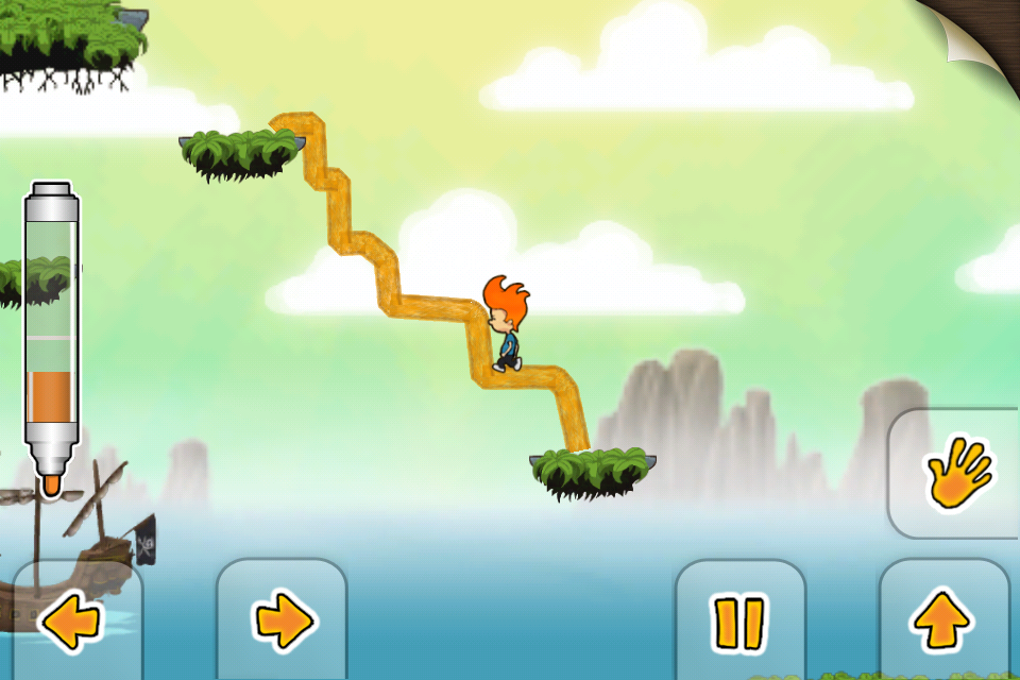
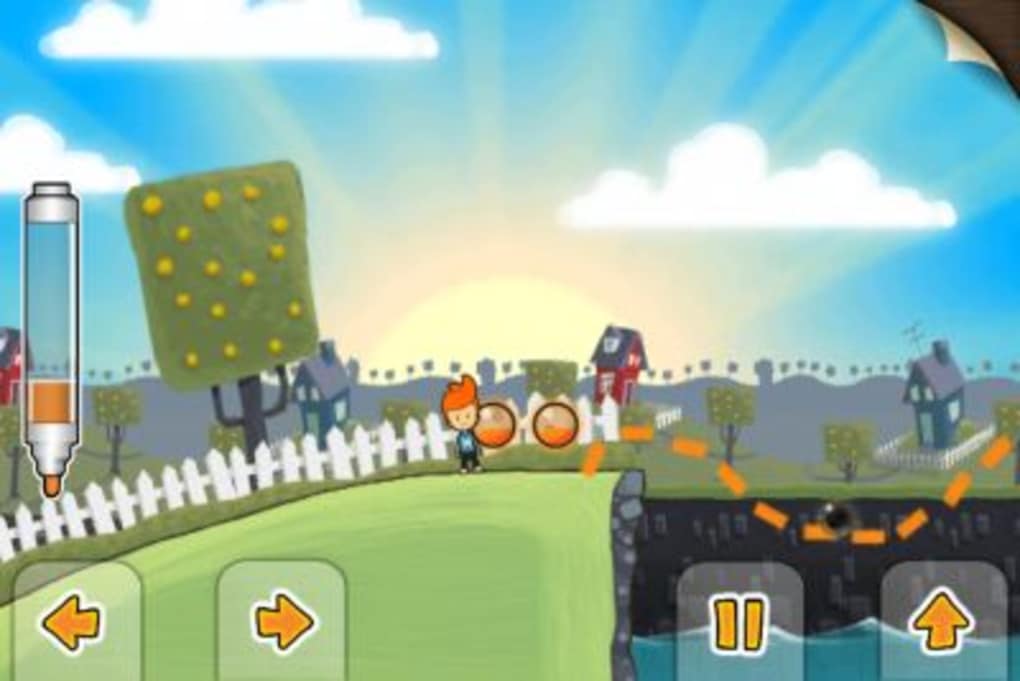
Max and the Magic Marker is an innovative platform adventure game that redefines player interaction through its unique drawing mechanic. The game places players in a vibrant, cartoon-inspired world where every line drawn with a finger or stylus becomes a functional, interactive element within the environment. This creative approach to gameplay allows users to solve puzzles, navigate obstacles, and progress through levels by sketching platforms, ramps, tools, and even weapons directly onto the screen. Designed for casual and creative gamers, the software offers a refreshing twist on traditional platforming mechanics, blending puzzle-solving with artistic expression.
Target users include fans of imaginative, story-driven games, creative problem solvers, and players who enjoy interactive art within gameplay. The game is built around a simple yet compelling premise: your drawing is your power. Whether you're creating a bridge to cross a chasm, shaping a boulder to trigger a seesaw, or crafting a projectile to defeat an enemy, the player’s creativity directly influences the outcome of each challenge. The game features 58 levels spread across three distinct worlds, offering a varied experience with different themes and visual styles.
Developed by Pixel Games, the software brings a whimsical, dreamlike aesthetic to the desktop platform. The colorful graphics and cheerful soundtrack contribute to a lighthearted atmosphere that enhances the sense of playfulness. While the core concept is strong, the execution of the drawing system presents a notable challenge, particularly in precision and visibility. The developer did not provide additional system requirements beyond the supported platforms.
Key Features & Capabilities
- Interactive Drawing System – Players use their finger or stylus to draw real-time objects that instantly become functional in the game world. Lines drawn under the cursor turn into platforms, ramps, or tools, enabling dynamic level navigation.
- 3D Puzzle-Platform Gameplay – Each level combines platforming challenges with creative problem-solving, requiring players to think beyond standard jumps and runs by using drawn objects strategically.
- Five Separate Worlds with 58 Levels – The game is structured across three themed worlds, each with unique visual designs, environmental puzzles, and escalating challenges to maintain engagement.
- Ink Management System – Players must collect ink to refill the magic marker, adding a resource management layer to the drawing mechanic and encouraging strategic planning.
- Customizable Controls – Users can adjust directional key layouts and modify the size of in-game controls, improving accessibility and comfort during extended play sessions.
The drawing mechanic allows for a high degree of personal expression, enabling players to approach each level with unique solutions. For example, a player might draw a narrow bridge to cross a gap, or create a series of small platforms to climb a steep wall. In another scenario, a drawn boulder can be used to activate a seesaw mechanism, while a hastily drawn projectile can disrupt enemy patterns. These mechanics foster a sense of ownership and creativity, setting the game apart from more rigid platformers.
User Interface, Workflow & Performance
The user interface is designed with simplicity and accessibility in mind, focusing on intuitive control schemes and clear visual feedback. Navigation is streamlined, with menus and level selection presented in a clean, cartoon-style layout that matches the game’s whimsical tone. The workflow follows a linear progression through levels, with progress saved automatically upon completion of each stage.
Performance observations are based on general software behavior patterns. The game runs smoothly on supported platforms, though exact performance details were not specified. The developer did not provide information on CPU or RAM usage, nor did they list specific optimization notes. Stability appears consistent based on standard desktop application behavior, but users should be aware that the drawing system may experience minor input lag depending on hardware and screen sensitivity.
Given the nature of the drawing mechanic, user experience is highly dependent on input precision. The line is drawn directly under the finger, which can make it difficult to see the intended shape, especially during fast or complex maneuvers. This limitation may affect gameplay flow and require players to adapt their drawing technique over time. Overall, the interface remains responsive and visually engaging, supporting a seamless interaction with the game world.
Compatibility & System Requirements
Max and the Magic Marker is available for both Windows and Mac operating systems. The software version is 1.0, with an installation size of 250 MB. The developer did not specify exact system requirements, including minimum CPU, RAM, or graphics card specifications. Compatibility information is limited to the listed platforms, and no details were provided about support for older or newer OS versions.
Users should ensure their system meets standard desktop application requirements to run the game without issues. While no performance benchmarks were provided, the software’s size suggests it is optimized for mid-range hardware. For optimal experience, it is recommended to use a touchscreen-enabled device or a stylus for precise drawing input. The developer did not confirm whether the game supports external controllers or keyboard-only navigation.
Pros and Cons
Pros
- Unique drawing mechanic that encourages creativity and problem-solving
- Engaging, colorful visuals and cheerful soundtrack enhance immersion
- 58 levels across three distinct worlds offer varied gameplay and replay value
- Customizable controls improve accessibility and user comfort
- Free to download and use, with no in-app purchases or ads mentioned
Cons
- Drawing system can be imprecise due to line visibility under the finger
- Limited system requirements information may affect user confidence
- Gameplay may feel repetitive after extended play without additional modes
- No visible feedback for failed drawings or incorrect shapes
- Platform-specific limitations may restrict access for non-touchscreen users
FAQ Section
Is Max and the Magic Marker available for Windows and Mac?
Yes, the game is compatible with both Windows and Mac operating systems.
Is the software free to download?
Yes, Max and the Magic Marker is available at no cost. The developer has not indicated any in-app purchases or advertisements.
Do I need a touchscreen to play the game?
While the game is designed for touch input, it may be playable with a mouse on desktop systems. However, the drawing experience may be less precise without a touchscreen or stylus.
How often are updates released for Max and the Magic Marker?
The developer has not provided information on update frequency. The current version is 1.0, released on March 15, 2024.
Can I play Max and the Magic Marker offline?
Yes, the game does not require an internet connection to play. It is designed for standalone, offline use on supported platforms.
Final Thoughts + CTA
Max and the Magic Marker delivers a bold and imaginative take on the platform genre, combining artistic freedom with puzzle-driven gameplay. While the drawing mechanic presents some usability challenges, particularly in precision and visibility, its core concept remains fresh and engaging. The game’s vibrant world, creative level design, and customizable controls make it a standout choice for players who value originality and self-expression in gaming.
It is best suited for casual gamers, creative thinkers, and fans of indie titles with a unique twist. The absence of cost and in-app purchases enhances its appeal, offering a complete experience without financial barriers. Despite minor technical limitations, the game’s charm and innovation shine through.
Download Max and the Magic Marker now to unlock a world where your pen is your power.







